Software loading
Software cannot be used directly; the executable file paths and other details must be added to the corresponding environment variables before use.
The module command manages software environment variables, enabling users to load and switch software environments quickly.
# Common module commands
module avail      # List all software environments
module list       # List all loaded software environments
module load       # Load a software environment
module unload     # Unload a software environment
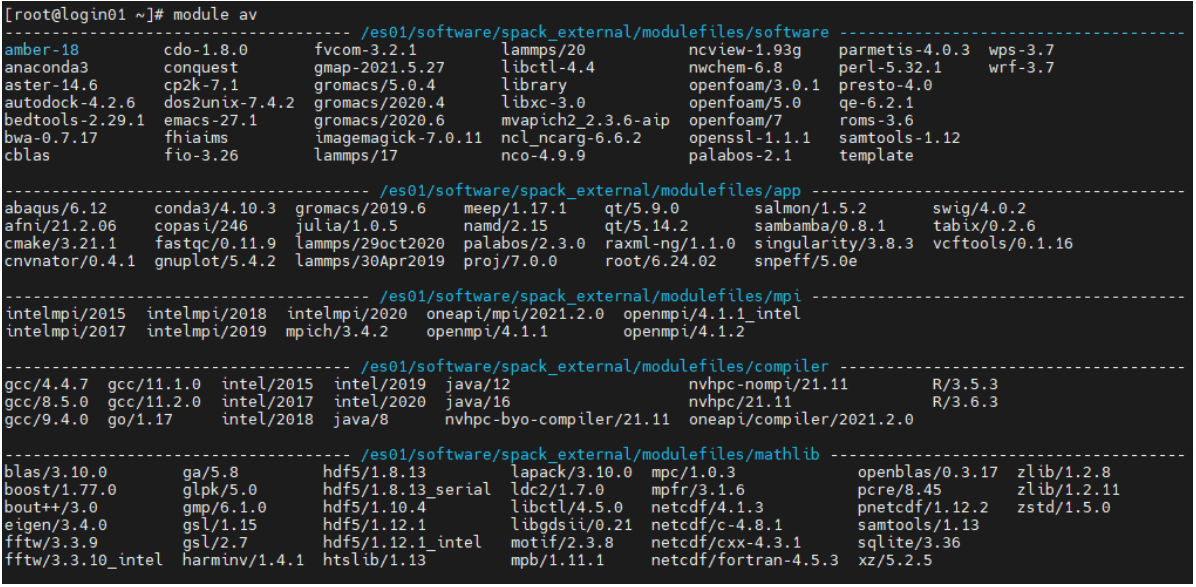
1. module av
module avail lists all software environments; it can be abbreviated as module av.
2. module load
module load loads the software environment. The command is followed by the software to be loaded. For example, to load gcc/11.2.0:

3. module list
module list lists all loaded software environments.

4. module unload
module unload removes the corresponding software environment. The command is followed by the software to be unloaded. For example, to unload gcc/11.2.0:
